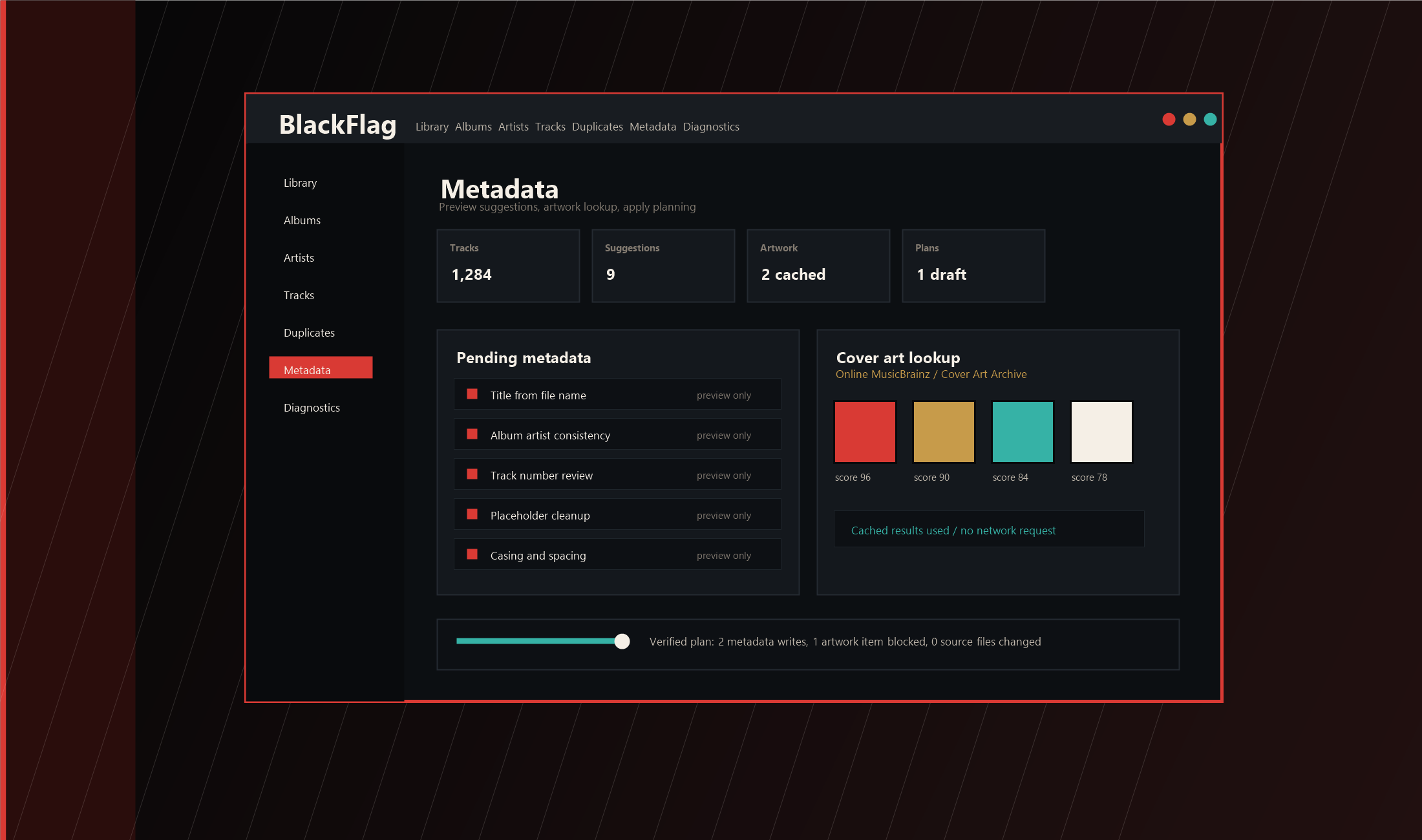
BlackFlag desktop app interface preview

No cloud. No cleanup theater.

BlackFlag Audio

A Windows app for people with actual music folders. Scan the library. Find the duplicates. Fix the tags. Cache the art. Nothing moves or writes unless you tell it to.

Private beta 0.2.0-1
Storage SQLite + app data
Rule Preview first

Inside the app

The boring parts of owning music, handled properly.

Library

Scan folders. Track missing files. Browse albums, artists, and tracks. Search real paths when you need to.

  • Local SQLite library
  • MP3, FLAC, WAV, M4A, AAC, OGG, Opus, AIFF
  • Scans read files; they do not rewrite them

Duplicates

Review exact and likely matches, pick the keeper, save notes, and ignore the weird edge cases.

  • SHA-256 checks for exact duplicates
  • Quarantine with restore support
  • No mystery bulk delete button

Tags / art

Preview tag changes. Pull cover art by request. Cache it under app data instead of stuffing it into files.

  • MP3 and FLAC writes only
  • Backups before writes
  • No embedded artwork yet

House rules

BlackFlag does not freestyle on your library.

It shows the plan, asks for proof, backs up what it can, and keeps dangerous actions narrow. Your library is not a sandbox.

No permanent delete
Cleanup moves eligible files to quarantine under app data.
No background provider calls
MusicBrainz and Cover Art Archive run only after you ask.
No artwork embedding
Cover art can be cached and planned; embedding is blocked.
No broad file organization
The app does not rename, sort, or restructure a music folder.

Private beta

Not polished. Not public. Useful enough to test.

The current build is for disposable folders, edge cases, and people willing to break things on purpose before trusting a real library.

Build 0.2.0-1
Schema SQLite migration 10
Next work Manual GUI beta QA